Tutorial
Welcome to Bees, a comprehensive and modern project management solution. Let's explore the key features that make Bees stand out.
Login
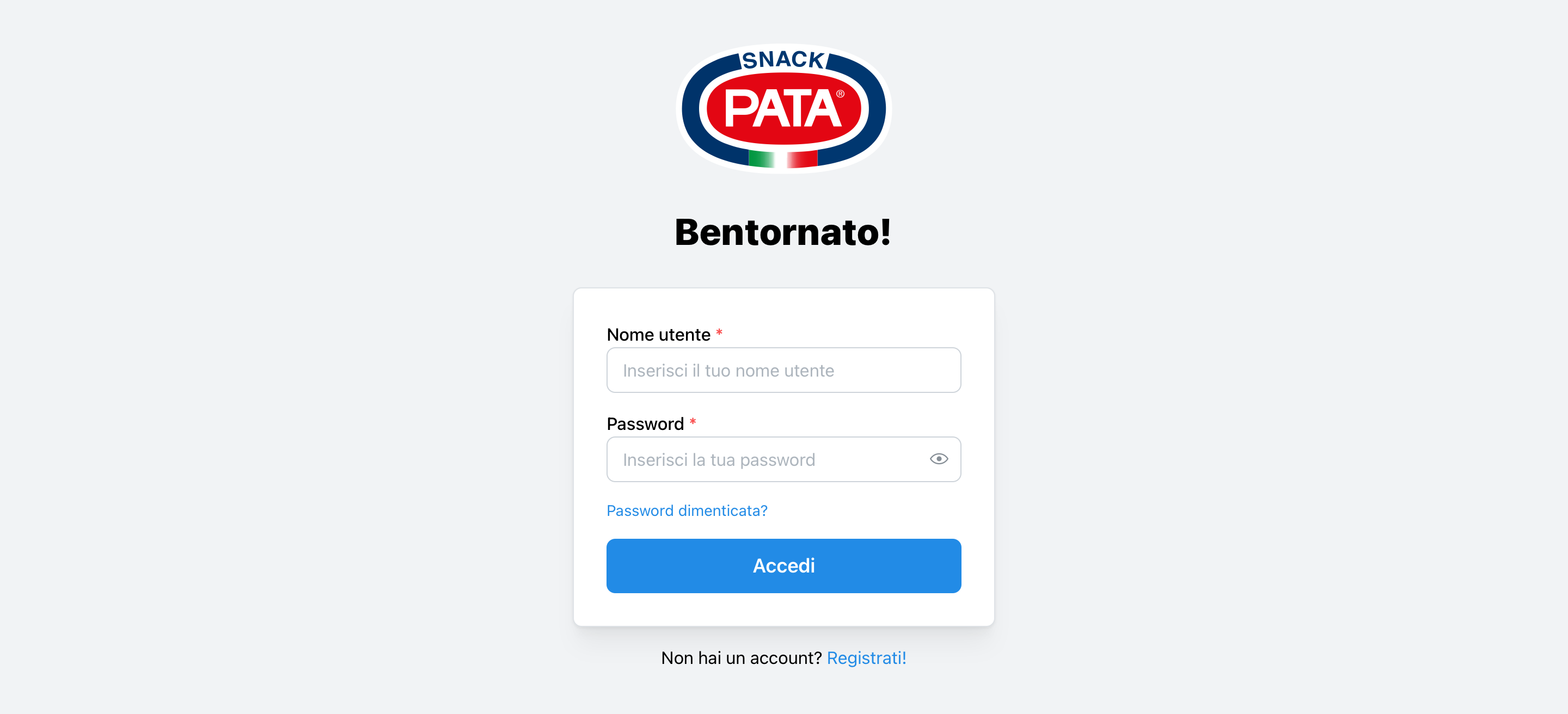
Bees prioritizes the security of your data through a robust login process. Login as follows:
-
Navigate to the Login Page: Open your web browser and go to the Bees login page.
-
Enter Your Credentials:
- Type your registered email address in the "Email" field.
- Input your password in the "Password" field.
-
Click "Sign In": After entering your credentials click the "Sign In" button.
-
Password Reset (if needed):
- If you've forgotten your password, click on the "Forgot password?" link.
- Follow the instructions to reset your password securely.
Remember, never share your login credentials with anyone to maintain the security of your account and project data.
Dashboard Overview
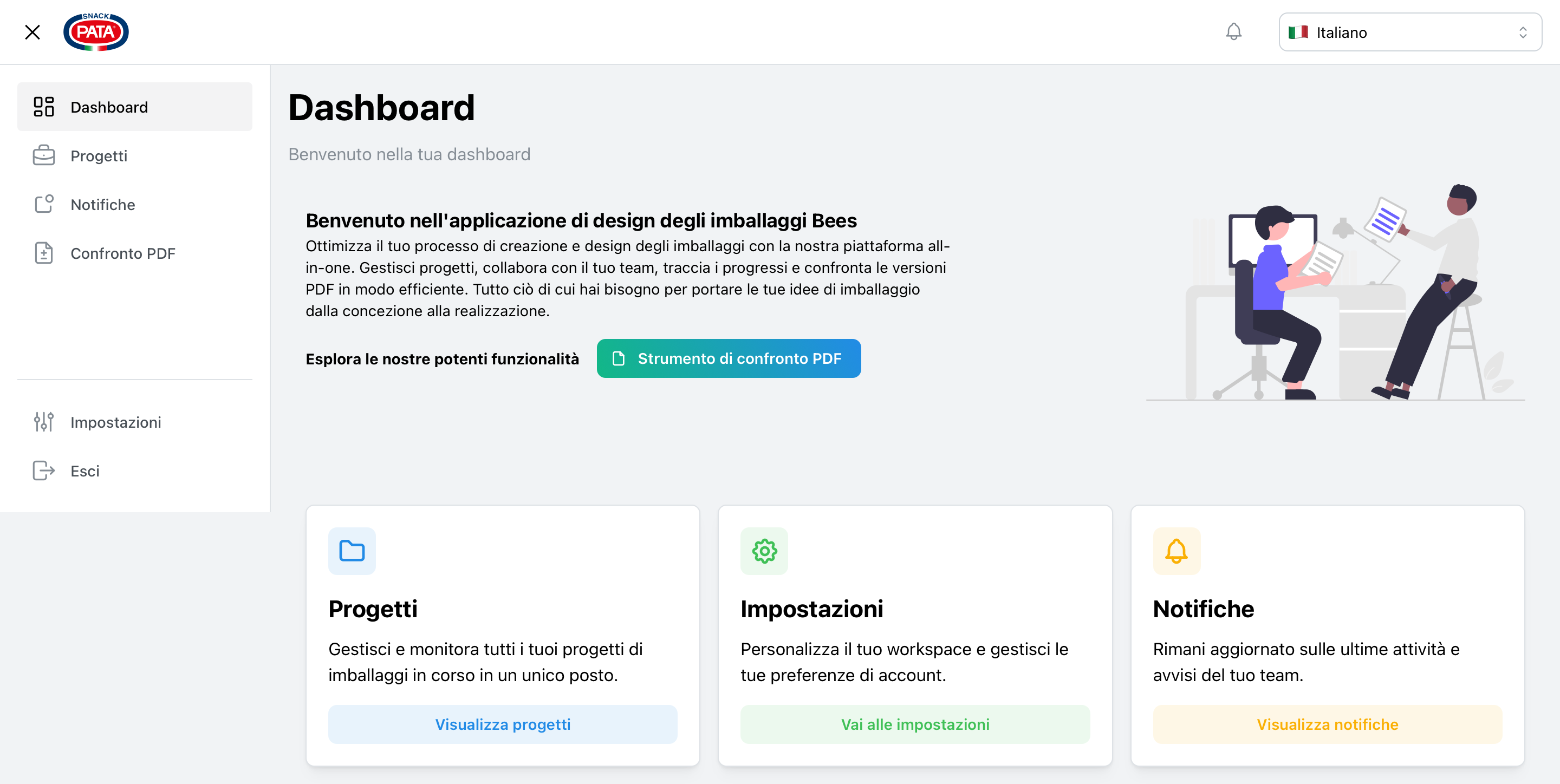
The Bees dashboard is your central hub for project management. Navigate through the features to make the most of Bees.
Settings and Customization
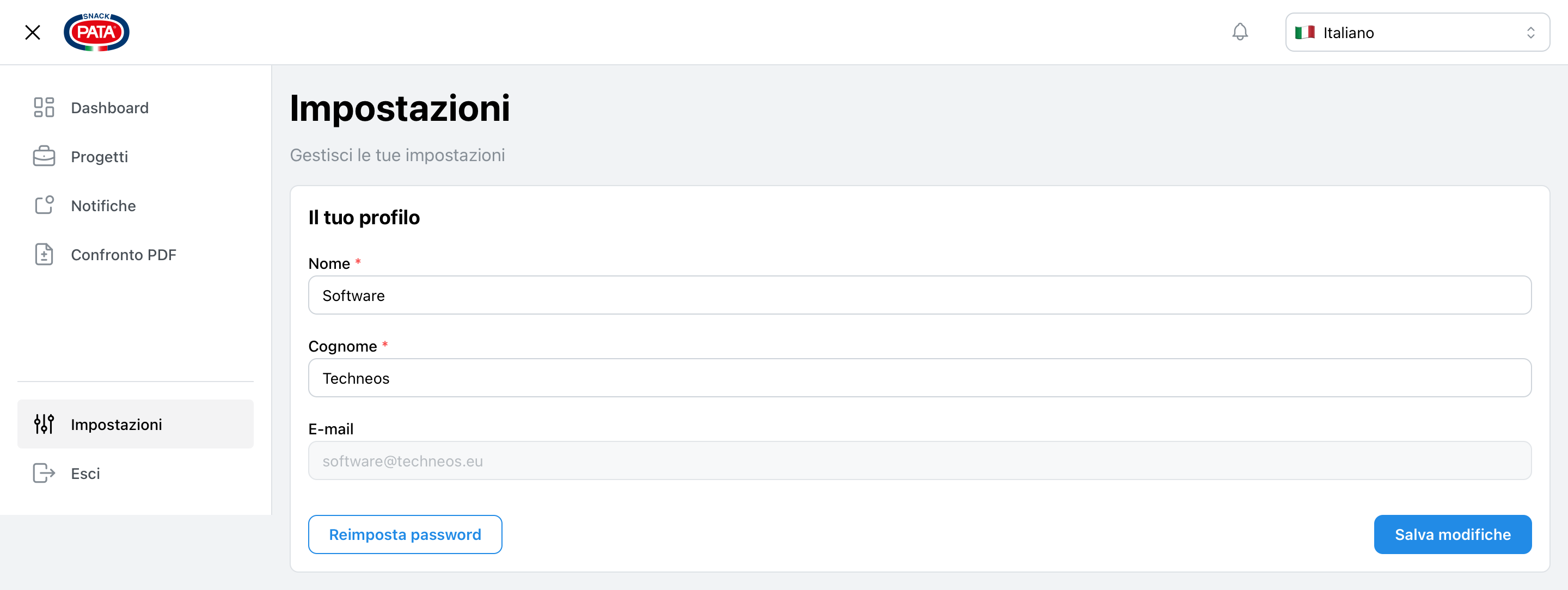
Tailor Bees to fit your workflow:
- User Preferences: Customize your Bees experience.
- Notification Settings: Control how and when you receive updates.
- Team Management: Add, remove, or modify team member roles and permissions.
- Integration Options: Connect Bees with your favorite tools and services.
Getting Started
- Sign Up: Create your Bees account at bees.pata.it.
- Create a Project: Start by setting up your first project in the dashboard.
- Invite Team Members: Collaborate by adding your team to the project.
- Customize Settings: Tailor the settings to match your team's workflow.
Bees is designed to evolve with your needs. Explore these features and discover how Bees can transform your project management experience.